
"The Page You Are Looking For Is No Longer Here" Error

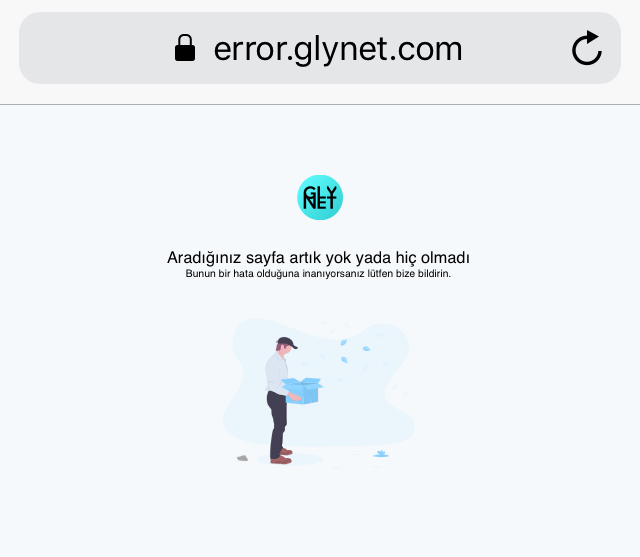
When you click on a link or try to navigate to a specific address on Glynet, you might encounter a sad character and a warning saying "The page you are looking for is no longer here or never existed," as shown in the image below.
In the technical world, this is commonly known as a 404 Error. In short, it means "the destination you are trying to reach is not currently on the map."
Why Am I Seeing This Error?
There are three main reasons why you might be facing this page:
-
A Non-Existent Page (404): The link typed into the address bar (URL) might be incorrect, or you might be trying to reach a post or profile that has been deleted. Essentially, you might be knocking on a door that doesn't exist.
-
Authorization Limits (Permissions): You may have stepped outside of your authorized area. For example, you might be trying to view a page restricted to a specific admin group or logged-in members without having the necessary permissions.
-
Updates and Changes: Glynet is a constantly evolving platform. A page that existed previously may have been removed or moved under a different menu with new updates. Old bookmarks or outdated links can lead to this error.
Do You Think This Is a Mistake?
Usually, clicking your browser's "Back" button or returning to the homepage solves the issue.
However, if you truly believe there is an anomaly (e.g., a page is accessible to a friend but not to you, or a page you visit regularly has suddenly disappeared), you can contact us via [email protected] so we can investigate the situation.
Was this article helpful?
Your feedback helps us improve our documentation.